Player Lifeline

Get Back On The Water.

Whether your gear isn't casting right or you are having trouble joining a tournament lobby, our team is here to help you resolve technical snags and return to the catch.

Reach Support
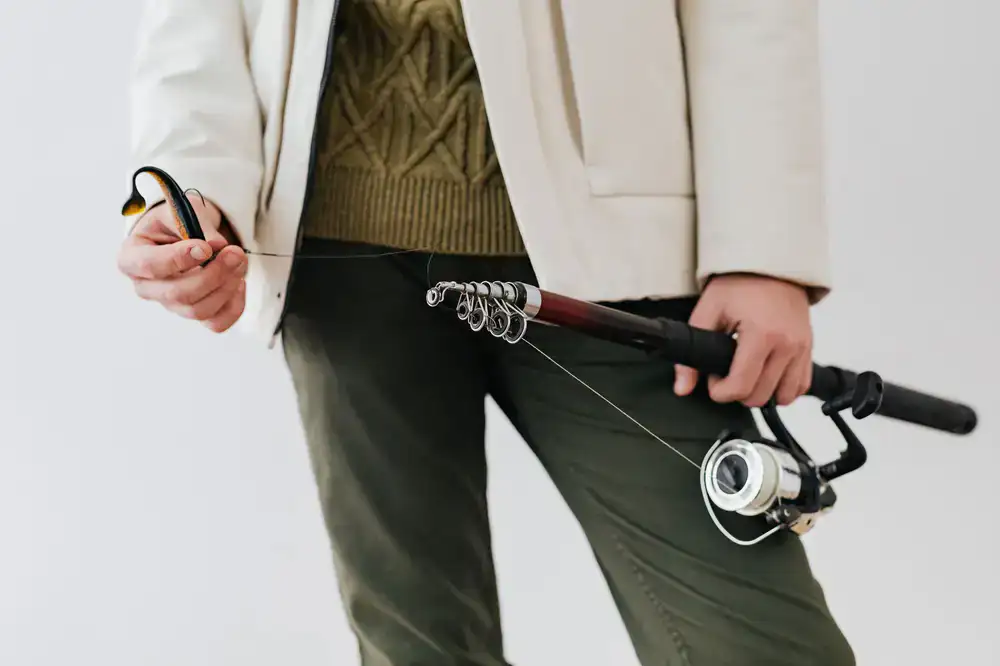
Player holding a broken fishing rod in-game needing assistance
The Angler's Almanac

Extensive Guides & Documentation

Before dropping a line to our technical crew, we recommend consulting the official Deepcast Games Help Centre. We maintain a comprehensive database covering everything from basic control mapping to advanced networking configurations for tournament play.

Our community-driven wiki also contains detailed breakdowns of fish species behaviors, weather patterns, and specific tackle requirements that might answer gameplay-related queries without needing a support ticket.

Troubleshoot The Catch

Frequent Inquiries

Connection Drops in Tournaments

If you are losing connection to multiplayer lobbies during peak competition hours, ensure your router has the proper ports forwarded. Deepcast Games utilizes peer-to-peer relay systems that require an open NAT type for optimal stability.

Still disconnecting? Let us know →

Restoring Lost Tackle

Occasionally, cloud save conflicts may cause recent gear purchases to vanish from your virtual tackle box. Do not overwrite your local save file. Contact our team with your Player ID and we can usually restore the inventory from our backup server logs.

Request an inventory restore →

Controller Calibration

Struggling with the tension mechanics on your analog sticks? The latest patch introduced a deadzone slider in the main settings menu. Adjust this setting before attempting to reel in heavy catches to prevent line snaps.

Read the gameplay tips →
Direct Comms

Open A Support Ticket

Our technical support team is standing by to help. Provide as much detail as possible about the issue you are experiencing, including your platform and game version.